
Introduction
Monitoring your website’s performance is essential for making informed decisions about your online presence. DirectAdmin provides powerful tools to help you view and analyse your website statistics. This guide will walk you through the process of accessing and understanding these valuable insights.
Accessing Website Statistics
Step 1: Log into your DirectAdmin Control Panel
Access your DirectAdmin control panel by visiting:
- https://andersoft.io:2222
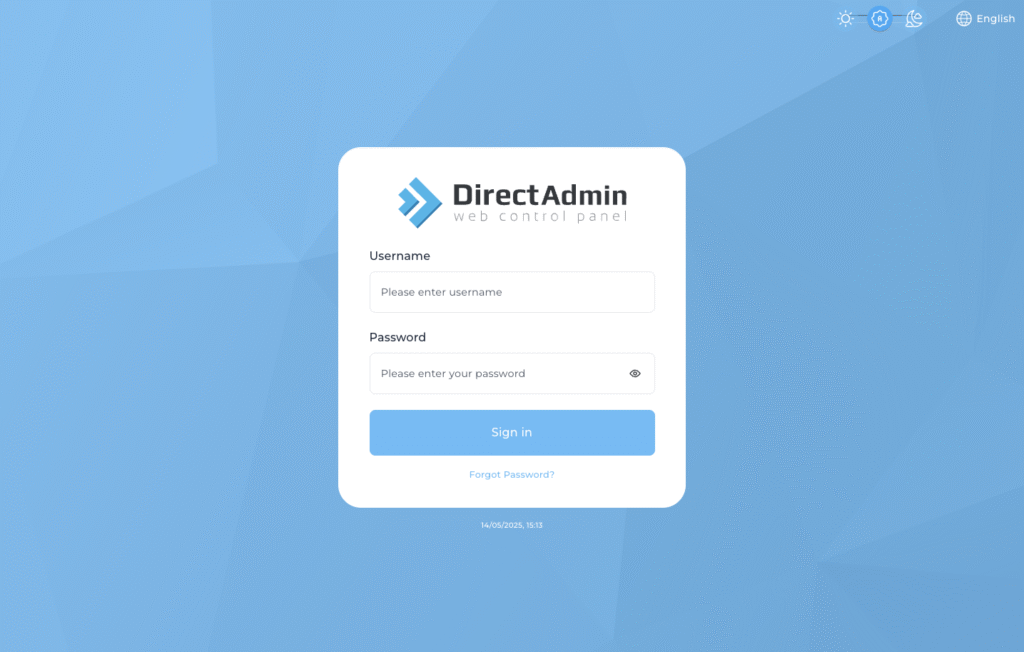
Enter your username and password to log in.
Step 2: Navigate to the Statistics Section
Once logged in, look for the “System Info & Files” section, then click on “Site Summary / Statistics / Logs.” This area contains all the statistical information about your website.
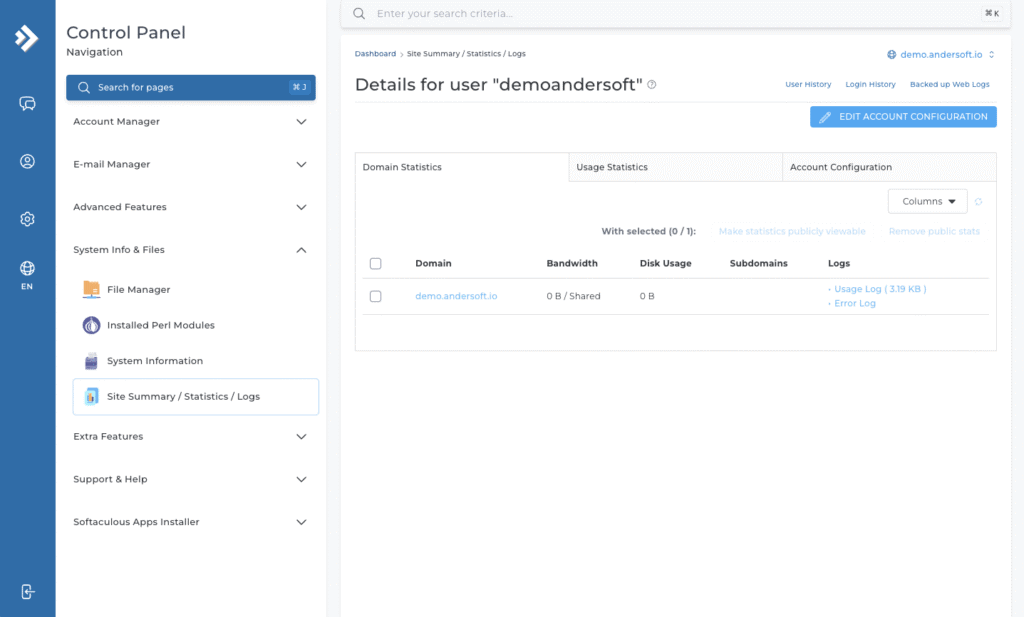
Step 3: Select Your Domain
If you have multiple domains under your account, you’ll need to select the specific domain for which you want to view statistics. Click on the domain name from the list provided. Web statistics will then open.